
Drawing games for kids online: free, no ads, no install
About this source
Game Tailors
Source: Drawing games for kids online: free, no ads, no install
The drawing app where the paper is real. No ads, no accounts, no data collected.
Game Tailors · Schieweg 15Y-40, 2627 AN Delft (NL)
KvK 92437702 · VAT NL866044474B01
info@gametailors.com · +31 6 4227 5919
© 2026 Game Tailors

How it works
Open the link
Go to play.extremedrawing.com on a computer, tablet or phone. It opens in English; the language can be changed in the grown-ups' area.Draw something
The crayon is already in your hand. Draw, paint, or pick a colouring page from the Paper panel by the canvas.Then do something you're not supposed to
Squeeze ketchup on it, hammer a pen, pour milk and dish soap, or tap the Time tab to bake, freeze or wait 3 days.
What's in the browser version
Free to play, with no time limit
The free part isn't a demo. It has:
all the drawing tools: crayons, coloured pencils, markers, paint, watercolour, the paint board and the drawing kit (stencils, ruler, compass, spiral gears)
every time skip: wait 3 days, bake in the oven, put in the freezer, a week in the sun, dip in red cabbage juice
everything in the Kitchen, Science and Toolbox tabs
water, ink drops, sponge, paper towel and bleach drops, glue and glitter, and the ants
The rest of the Bathroom, Craft and Garden and the whole Toy box come with the full toolbox. A child never sees a price or a lock: tools that aren't unlocked simply aren't on the shelf.
Browser or app?
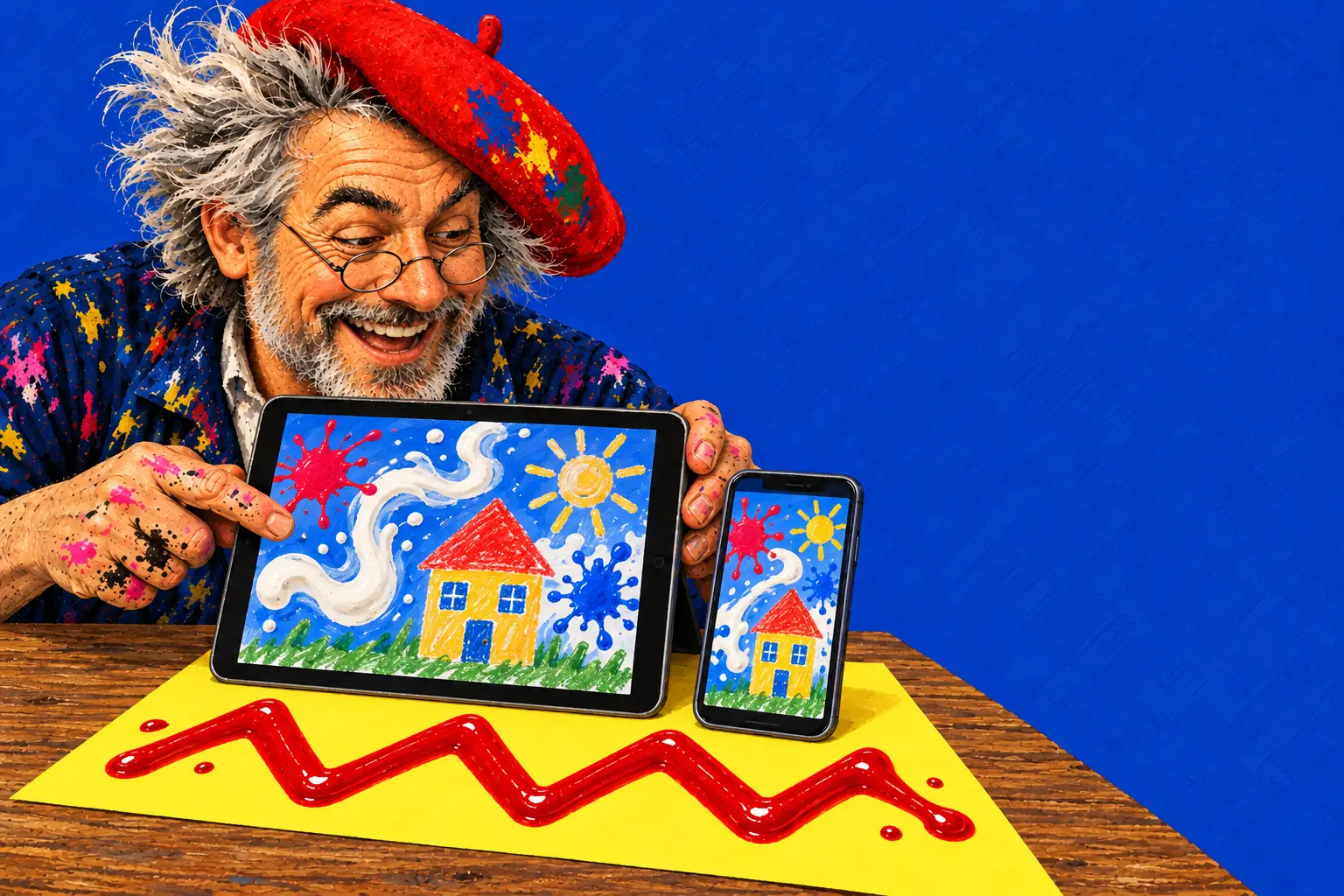
The browser is the quickest way to try it: nothing to install, and handy on a classroom whiteboard. It needs an internet connection to load, a browser from 2022 or later (such as Chrome 99 or Safari 16) and 3D graphics (WebGL 2). Drawings you keep are stored in that browser on that device.
The apps for iPhone, iPad and Android work fully offline, keep drawings in the app's own storage, and let a grown-up save pictures to the photo library. A web browser and the app don't share their drawings or their unlock.
Good things to try first
Magic milk: pour milk, add drops of food colouring, then a drop of dish soap (all on the Science tab).
Mould in 3 days: squeeze some ketchup and honey, drop an egg, then tap Wait 3 days on the Time tab.
Bake your drawing: draw with crayon, then tap Bake in the oven and see the wax melt into deep colour.
Red cabbage paper: tap Dip in red cabbage juice, then paint with vinegar and baking soda.
Is the online drawing game really free?
Yes. All drawing tools, every time skip and the whole Kitchen, Science and Toolbox are free with no time limit and no ads. A grown-up can unlock the rest once, behind the parent gate.
Does my child need an account?
No. There is no sign-up, no login and no e-mail address to give. Drawings are kept in the browser on your device.
Will it work on a school Chromebook or whiteboard?
It runs in a modern browser with WebGL 2 graphics, which most Chromebooks and classroom computers from recent years have. If the device can't run it, the game says so in plain words.
Can two children play at once?
Yes. On a touch screen several fingers can draw at the same time, all with the tool that's picked.
Can I link to one experiment directly?
Not yet. The link always opens the game itself; our experiment pages say which tab and tools to use.